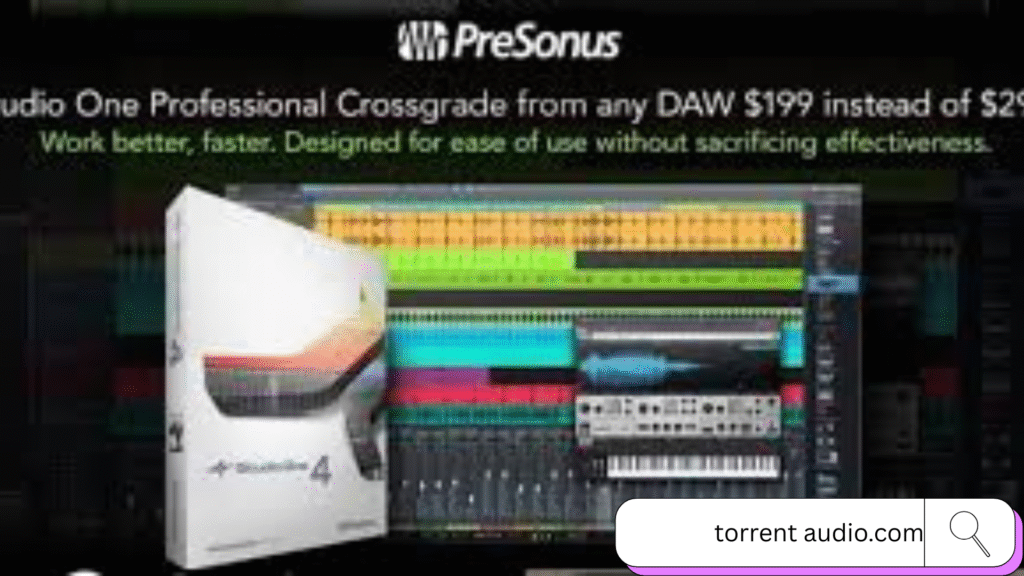
 PreSonus Studio One 4 Professional is a full-featured DAW (Digital Audio Workstation) designed for recording, composing, editing, mixing, and mastering music and audio — all inside one application. It’s used by musicians, producers, audio engineers, and creatives who want a professional-grade environment that’s intuitive and powerful.
Feature Highlights:
- Includes a Chord Track that allows you to prototype songs, change chord progressions, transpose, and modulate keys easily.
- Provides harmonic editing for both MIDI and audio.
- The Advanced Patterns feature integrates pattern-based sequencing directly in tracks.
- New Drum Editor lets you program and edit drum parts efficiently.
- Includes powerful built-in instruments like Impact XT, Sample One XT, Presence XT sampler, and the Mai Tai synth.
- Contains a large sound library and support for unlimited audio and instrument tracks.
What’s New
- Completely new Chord Track that lets you manipulate audio and MIDI based on chords and key.
- Realtime harmonic editing, enabling you to change chord progressions, transpose audio/MIDI, and experiment with harmonies quickly.
- Automatic chord detection and an intuitive Chord Selector help you analyze and alter musical structure easily — invaluable for songwriting and arrangement.
- Sample One XT: Expanded from basic sampling to a full-featured sampler with graphical envelopes, live sampling, auto-slicing, effects, and advanced editing tools.
- Patterns: New pattern-based composition system for rhythm and melodic parts that lives alongside conventional tracks — blending step sequencing with regular MIDI lanes.
- Drum Editor: A streamlined, percussion-focused editor for quicker and more intuitive drum note editing.
Quick Guide:
- Arm the track by clicking Record Enable
- Click Record (●) on the transport bar
- Play or sing → Studio One records your performance
- Press A to enable automation
- Automate volume, pan, and effects
- Draw automation curves easily
System Requirements:
- Intel® Core Duo or AMD Athlon™ X2 processor
- 4 GB RAM
- Monitor with 1366 × 768 resolution or higher
- 40 GB free hard-drive space
- Internet connection (for installation/activati
- Intl Core 2 Duo / AMD Athlon X4 or better
- 8 GB RAM or more
FAQ
Download Steps:
- Go to the PreSonus official website
- Click My PreSonus
- Sign up (if new) or Log in with your account
- After login, go to My Products
- Click Register a Product
- Enter your Product Key / License
- Once registered, Studio One 4 will appear in your account